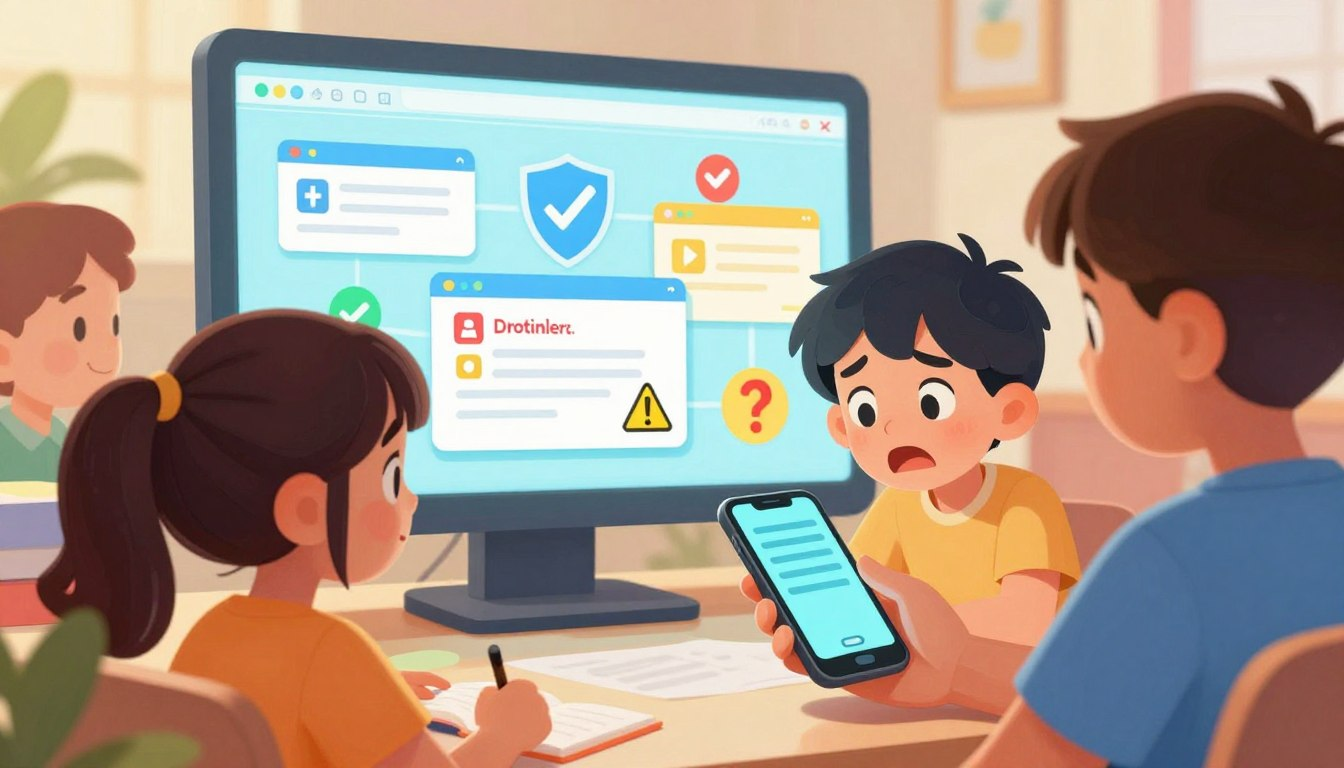
Today’s kids are digital natives. They can swipe, tap, and download faster than most adults. But just because they know how to use a tablet doesn’t mean they know how to spot a digital trap. Scammers are getting smarter, using flashy popups, fake rewards, and clever messages to trick kids into handing over passwords or downloading viruses.
Teaching online safety tips for children isn’t just about protecting their Minecraft account; it is about protecting your entire family’s digital network. In this guide, we are going to teach you and your child exactly how to spot a scam online so they can browse, play, and learn safely.
🌟 What You Will Learn Today:
- How to spot fake links disguised as free gaming rewards.
- The secret to dealing with scary “virus warning” popups.
- How to handle strangers sending direct messages on apps.
🎯 Why Do Scammers Target Kids?
It might seem strange that a cybercriminal would want to target a 10-year-old. After all, kids don’t have credit cards! But scammers know exactly what they are doing.
Kids Are Trusting
Children naturally want to believe the best in people. If a message says, “I work for Roblox, give me your password and I’ll give you a free pet,” a child is much more likely to believe it than an adult.
Kids Hold the Keys to the Castle
Scammers know that kids are usually playing on a family computer or iPad. If they can trick a child into downloading a “free game” (which is actually a virus), the scammer can sneak into the device and steal the parents’ saved passwords, banking info, and private data.
✉️ How to Spot a Scam in Messages & Chats
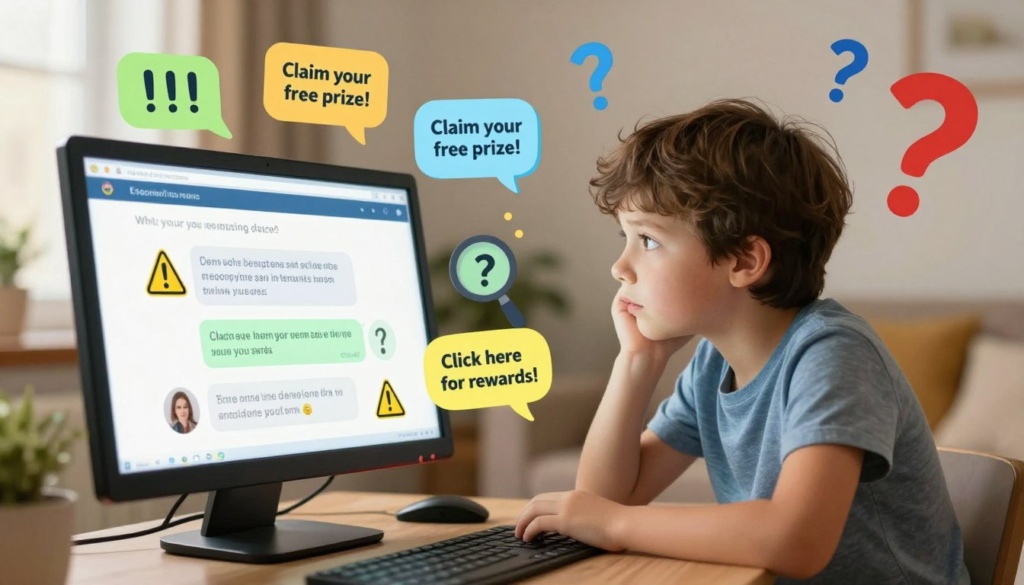
Whether it is on Discord, Roblox, or a text message, scammers love to slide into direct messages (DMs). Teach your kids to look out for these massive red flags.
1. The “Too Good to Be True” Offer
This is the most common scam targeting kids. The message usually promises free in-game currency (Robux, V-Bucks, Minecoins) or exclusive character skins. The Golden Rule: Game companies will never give away free money through a random chat message.
2. Terrible Spelling and Grammar
Many scammers operate from overseas and use translation software. If an “official” message from YouTube or Apple has strange spelling (like “Plz click hear to clame prize”), it is 100% fake.
3. The Urgency Trick
Scammers want kids to panic and click before they have time to think or ask a parent. If a message says, “Your account will be deleted in 24 hours if you don’t click this link!” tell your child to take a deep breath. Real companies do not threaten their users like this.
🔗 Red Flags in Links and Websites
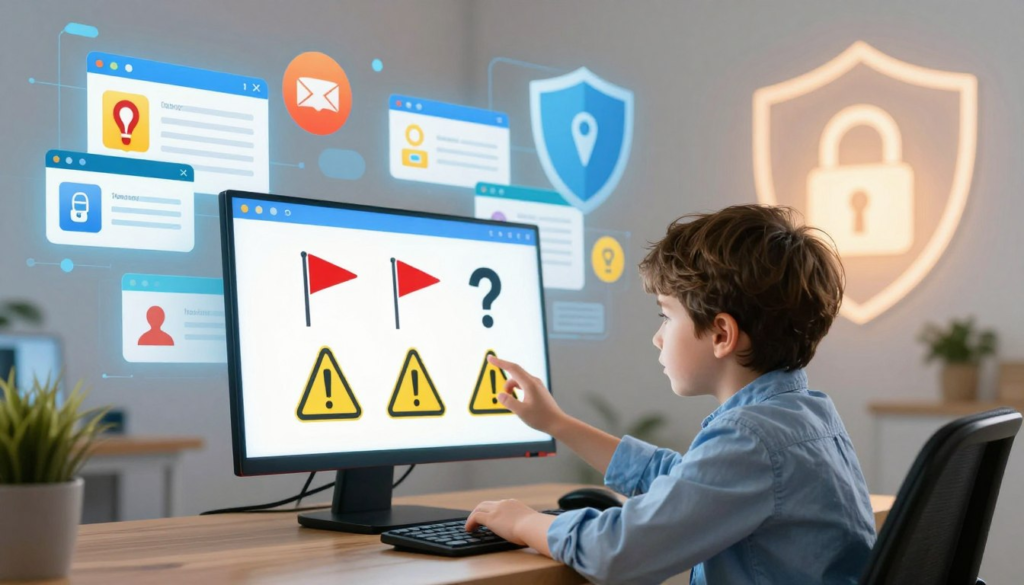
A bad link can lead to a fake website designed to steal passwords. Teach your child the “Hover Trick.” If they are on a computer, tell them to rest their mouse pointer over a link without clicking it. A small box will pop up showing where the link actually goes.
| What the Link Says | Where it Actually Goes (The Hover Trick) | The Verdict |
|---|---|---|
| “Click here for Disney+” | www.disney.com | ✅ Safe! |
| “Log into Roblox” | www.r0blox-free-money.net | ❌ SCAM! (Notice the zero instead of an “O”) |
| “Watch this funny video” | www.bit.ly/847×92 | ⚠️ Warning! (Hidden links are dangerous) |
Look for the Padlock
Teach your kids to always look at the very top of their screen (the URL address bar). If a website is safe, it will have a tiny icon of a locked padlock next to the web address. If it says “Not Secure,” they should close the page immediately.
🚨 Warning Signs in Popups and Ads

Popups are annoying for adults, but they can be genuinely scary for kids. Scammers use fear to manipulate children into clicking bad links.
The “Your Computer Has a Virus!” Scam
Has your child ever been browsing the web when a massive red screen pops up flashing, “WARNING: Your device is infected! Call this number or download this fix immediately!”?
This is a trick! The website cannot actually scan your computer. They are trying to scare your child into downloading a real virus to “fix” the fake one. Teach your kids to never click anything on these screens. Instead, they should close the entire browser tab or bring the device directly to you.
The “Spin the Wheel” Prize Scam
Kids love games, so scammers disguise ads as games. A popup will appear saying, “You are our 1,000th visitor! Spin the wheel to win an iPhone 15!” Of course, the wheel always lands on the jackpot. But to claim the prize, the child has to enter their home address and parents’ email. Rule of thumb: The internet does not give out free iPhones.
Fake Download Buttons
If your child is trying to download a worksheet or a mod for a game, they might land on a page with three different big, green “DOWNLOAD NOW” buttons. Two of those buttons are actually sneaky advertisements that will download junk software. Teach them to look for the smallest, plainest text link—that is usually the real one!
🎉 Conclusion: Building Digital Detectives
Learning how to spot a scam online for kids is a vital life skill. The goal is not to make your child terrified of the internet, but to turn them into smart, skeptical digital detectives!
The most important rule you can enforce in your home is the “Ask Before You Click” rule. Let your kids know that if they ever feel confused, scared, or unsure about a message, they will never get in trouble for bringing the device to you. When kids feel safe coming to their parents, scammers lose all their power.
❓ Frequently Asked Questions (FAQ)
What are the best online safety tips for children using social apps like TikTok?
Never share personal details with anyone online. This includes your home address, school name, or passwords. If a stranger sends you a file or link in a direct message, never click it. Most importantly, keep your profile set to “Private” so strangers cannot contact you in the first place.
What should I do if my child already clicked a bad link?
First, stay calm and do not yell, or they won’t tell you next time! Immediately disconnect the device from your home Wi-Fi. Run a full scan using your antivirus software (like Windows Defender or Malwarebytes). If they entered a password, change it immediately on a different, safe device.
Are messages from “friends” on Roblox or Fortnite always safe?
Not always. If a real-life friend suddenly sends a message with bad spelling asking you to “click this link for free V-Bucks,” your friend’s account was likely hacked by a scammer! Always text or call your friend in the real world to ask if they actually sent that message before clicking anything.
How do I stop those scary popups from appearing on my child’s tablet?
The best defense is a good Ad-Blocker. Install a reputable ad-blocking extension (like uBlock Origin) on their web browser. You can also look into family-safe DNS filters (like NextDNS or OpenDNS) which automatically block known scam websites from loading on your home Wi-Fi.
Why do scammers ask kids to buy gift cards?
Gift cards (like Apple iTunes or Amazon cards) are virtually impossible to trace or refund. Scammers will trick kids into taking their parents’ credit cards, buying digital gift cards, and sending the scammer the numbers on the back. Teach your kids that real businesses never ask to be paid in gift cards.