How Kids Can Upload Homework Files to Google Drive or School Portals

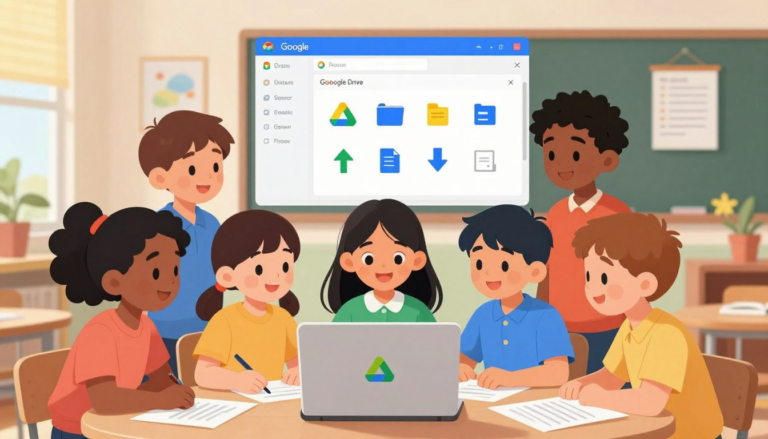
Many schools now ask students to submit homework online — through Google Classroom, Canvas, Schoology, or another school portal. For a child doing this for the first time, the process has more steps than it looks: saving the file, finding it, naming it, attaching it to the right assignment, and confirming it actually went through. …

Read more

Safe YouTube Settings for Kids: Turn on Filters and Reduce Distractions

Safe YouTube Settings for Kids

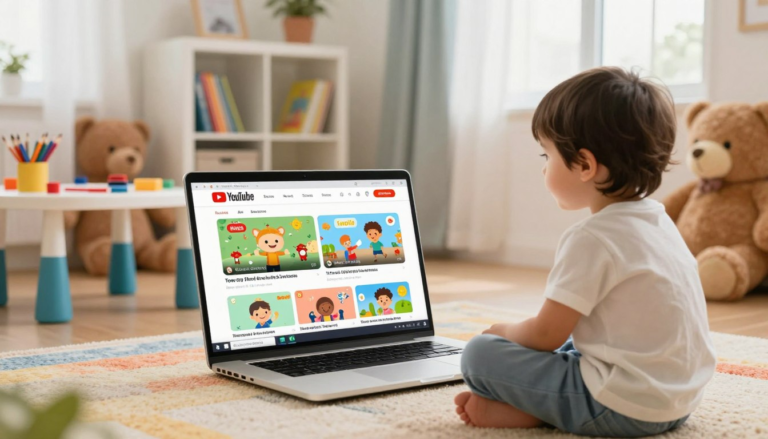
YouTube can be useful for school research, tutorials, music practice, art lessons, science videos, and simple entertainment. But for children, it can also become distracting quickly. One video can lead to another, recommendations can become overwhelming, and some videos or comments may not be appropriate for a child to see without guidance. This guide walks …

Read more

How to Use Zoom for Kids: Join Class, Mute, Chat & Screen Rules

How to Use Zoom for Kids

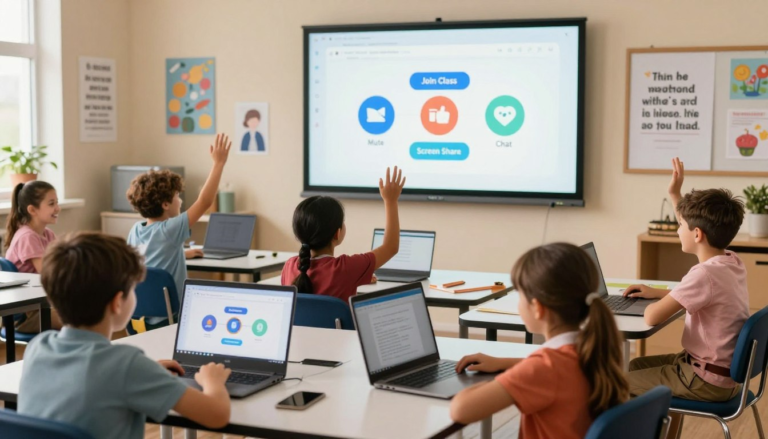
Zoom is now a normal part of many school routines. Children may use it for online classes, tutoring sessions, group projects, parent-teacher meetings, or school clubs. For a child using Zoom for the first time, the buttons can feel confusing: Join, Mute, Chat, Raise Hand, Share Screen, and Leave all have different purposes. This guide …

Read more

Google Docs for Kids: Write, Format, Share, and Turn In Assignments

Google Docs basics for kids

Google Docs has become a standard part of school for many children — from short writing assignments in early grades to full research reports later on. If your child’s teacher asks for written work online, there is a good chance it needs to be created, formatted, shared, or submitted through Google Docs. A short guided …

Read more

Privacy Settings for Kids Accounts: Basic Checklist for New Apps

Privacy Settings for Kids Accounts

When a child installs a new app, the default settings are not always the safest settings. Some apps ask for location, camera, microphone, contacts, photos, direct messages, or public profile access before a parent has had time to review what the app actually needs. This guide gives parents a practical privacy checklist for children’s accounts …

Read more