Safe YouTube Settings for Kids: Turn on Filters and Reduce Distractions
Safe YouTube Settings for Kids

YouTube can be useful for school research, tutorials, music practice, art lessons, science videos, and simple entertainment. But for children, it can also become distracting quickly. One video can lead to another, recommendations can become overwhelming, and some videos or comments may not be appropriate for a child to see without guidance. This guide walks …
Read more

Privacy Settings for Kids Accounts: Basic Checklist for New Apps

Privacy Settings for Kids Accounts

When a child installs a new app, the default settings are not always the safest settings. Some apps ask for location, camera, microphone, contacts, photos, direct messages, or public profile access before a parent has had time to review what the app actually needs. This guide gives parents a practical privacy checklist for children’s accounts …

Read more

How to Use a Family Email Safely for School Sign-Ups

How to Use a Family Email Safely

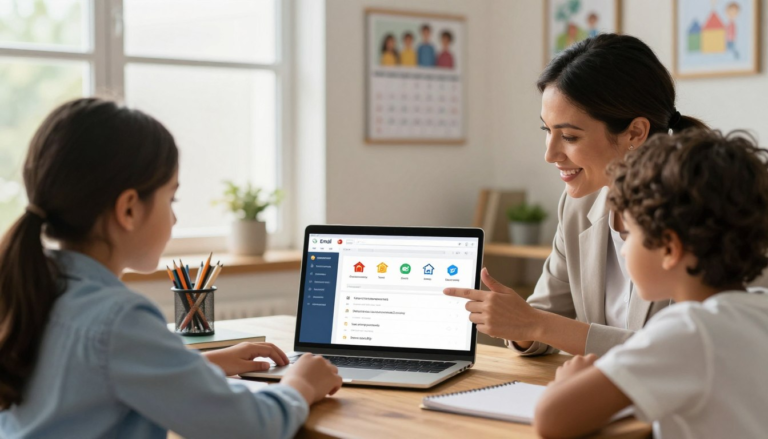
Most schools now use online portals, sign-up forms, and email newsletters that require an address. For children without their own account, the family email becomes the default — used for everything from registering for the science fair to receiving homework reminders. Without a clear system, that inbox fills up fast, messages get missed, and children …

Read more

Safe Search for Kids: Simple Settings Parents Can Turn On

Safe search for kids

Children rarely stumble onto inappropriate content because they went looking for it. A misspelled cartoon name, an ambiguous school topic, or a quick image search can lead somewhere no parent wants. Safe search filters reduce that risk meaningfully — not perfectly, but enough to be worth setting up on every device your child uses. This …

Read more

Internet Safety Rules for Kids: 10 Simple Rules Every Child Can Remember

Internet safety rules for kids

The internet can help children learn, create, research school topics, watch tutorials, and stay connected with teachers or classmates. But children also need clear rules before they browse, play online games, use chat, watch videos, or create accounts. This guide gives parents 10 simple internet safety rules to teach children at home. The goal is …

Read more

Digital Citizenship for Kids: Kind Comments, Privacy, and Sharing

Digital citizenship for kids

Children use technology for school, games, videos, group chats, learning apps, and creative projects. That means they are not only using the internet — they are participating in online spaces with other people. Digital citizenship helps children understand how to behave kindly, protect their privacy, think before sharing, and ask for help when something online …

Read more