Simple Computer Lessons for Kids and Parents

CSC For Kids helps parents teach children basic computer skills at home — from saving files and using Google Docs to practicing typing, joining online classes, sending school email attachments, and building safer internet habits.

Written in clear, parent-friendly language by Racha Manesson, with practical guides children can follow step by step with adult support.

Start Here

Choose the skill your child needs help with first. Each guide is written for parents to follow with children step by step at home.

Computer Basics

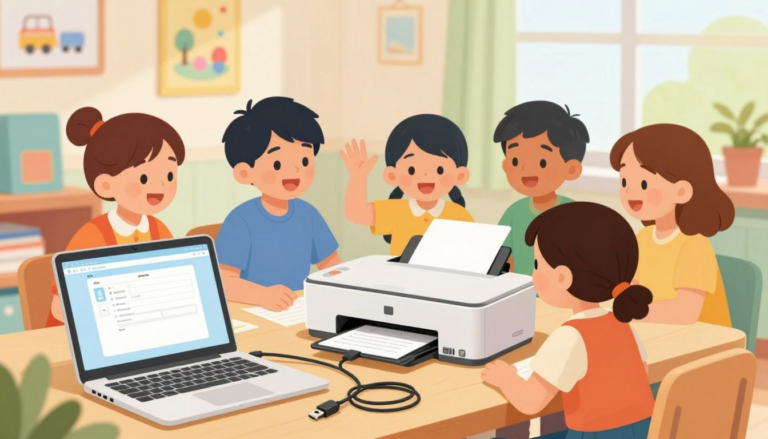
Help your child learn simple computer tasks like saving files, printing homework, and finding documents.

View basics →

School Tools

Step-by-step help for Google Docs, Zoom classes, homework uploads, and email attachments.

Start with Google Docs →

Typing Practice

Teach home row keys, typing accuracy, and realistic speed goals without pressure.

Learn home row keys →

Online Safety

Build safer habits for search, YouTube, privacy settings, email, and digital citizenship.

Read safety rules →

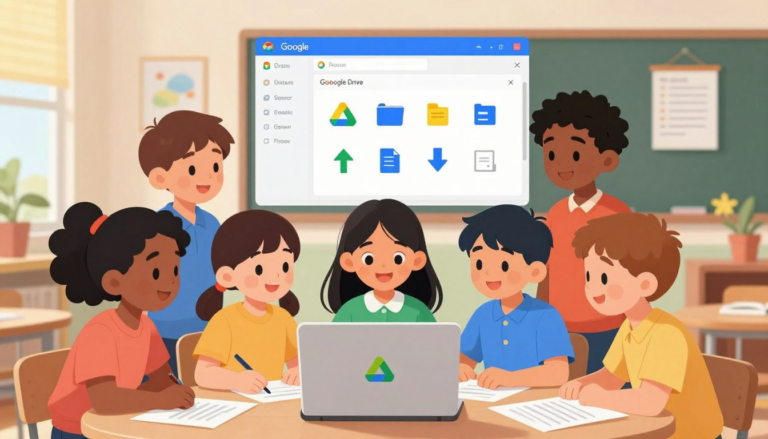
How Kids Can Upload Homework Files to Google Drive or School Portals

Many schools now ask students to submit homework online — through Google Classroom, Canvas, Schoology, or another school portal. For a child doing this for the first time, the process has more steps than it looks: saving the file, finding it, naming it, attaching it to the right assignment, and confirming it actually went through. …

Read more

Safe YouTube Settings for Kids: Turn on Filters and Reduce Distractions

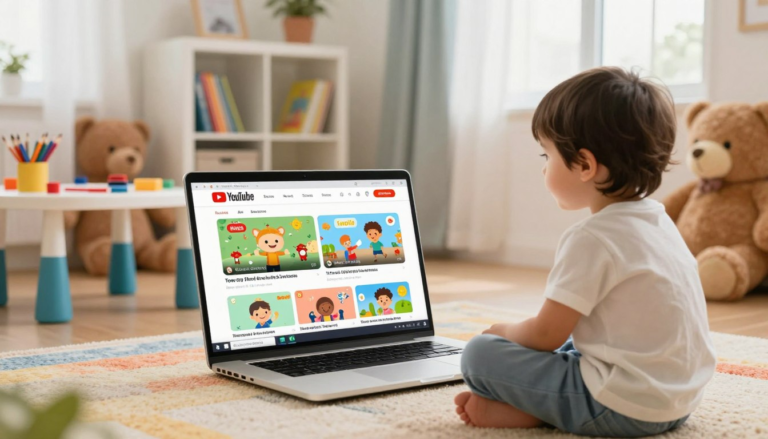
Safe YouTube Settings for Kids

YouTube can be useful for school research, tutorials, music practice, art lessons, science videos, and simple entertainment. But for children, it can also become distracting quickly. One video can lead to another, recommendations can become overwhelming, and some videos or comments may not be appropriate for a child to see without guidance. This guide walks …

Read more

How to Use Zoom for Kids: Join Class, Mute, Chat & Screen Rules

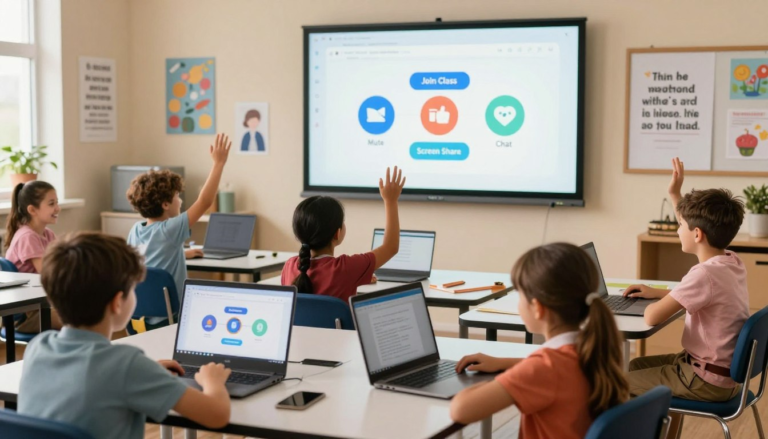
How to Use Zoom for Kids

Zoom is now a normal part of many school routines. Children may use it for online classes, tutoring sessions, group projects, parent-teacher meetings, or school clubs. For a child using Zoom for the first time, the buttons can feel confusing: Join, Mute, Chat, Raise Hand, Share Screen, and Leave all have different purposes. This guide …

Read more

Google Docs for Kids: Write, Format, Share, and Turn In Assignments

Google Docs basics for kids

Google Docs has become a standard part of school for many children — from short writing assignments in early grades to full research reports later on. If your child’s teacher asks for written work online, there is a good chance it needs to be created, formatted, shared, or submitted through Google Docs. A short guided …

Read more

Privacy Settings for Kids Accounts: Basic Checklist for New Apps

Privacy Settings for Kids Accounts

When a child installs a new app, the default settings are not always the safest settings. Some apps ask for location, camera, microphone, contacts, photos, direct messages, or public profile access before a parent has had time to review what the app actually needs. This guide gives parents a practical privacy checklist for children’s accounts …

Read more