Simple Computer Lessons for Kids and Parents

CSC For Kids helps parents teach children basic computer skills at home — from saving files and using Google Docs to practicing typing, joining online classes, sending school email attachments, and building safer internet habits.

Written in clear, parent-friendly language by Racha Manesson, with practical guides children can follow step by step with adult support.

Start Here

Choose the skill your child needs help with first. Each guide is written for parents to follow with children step by step at home.

Computer Basics

Help your child learn simple computer tasks like saving files, printing homework, and finding documents.

View basics →

School Tools

Step-by-step help for Google Docs, Zoom classes, homework uploads, and email attachments.

Start with Google Docs →

Typing Practice

Teach home row keys, typing accuracy, and realistic speed goals without pressure.

Learn home row keys →

Online Safety

Build safer habits for search, YouTube, privacy settings, email, and digital citizenship.

Read safety rules →

How to Use a Family Email Safely for School Sign-Ups

How to Use a Family Email Safely

Most schools now use online portals, sign-up forms, and email newsletters that require an address. For children without their own account, the family email becomes the default — used for everything from registering for the science fair to receiving homework reminders. Without a clear system, that inbox fills up fast, messages get missed, and children …

Read more

How Kids Can Attach a File to an Email for School

How to attach a file to email for kids

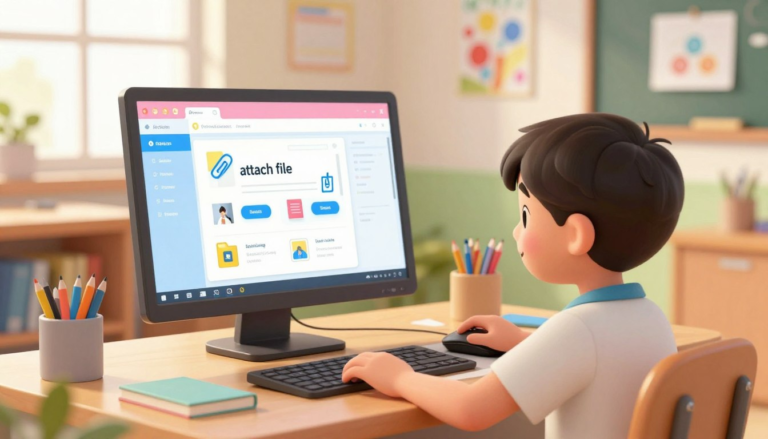
Sending a homework file by email is a useful school skill, but it can be confusing the first few times. A child has to find the correct file, attach it to the message, write a clear subject line, check the teacher’s email address, and wait until the file finishes uploading before clicking Send. This guide …

Read more

Typing Speed Goals for Kids by Age: A Realistic Practice Plan

Typing Speed Goals for Kids by Age

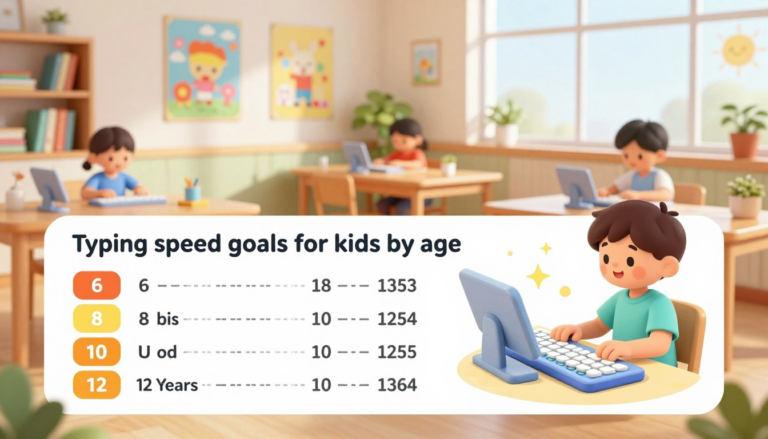
Typing is an important school skill, but parents often wonder what is realistic. Some children type quickly with two fingers, while others move slowly but use better finger placement. Speed matters eventually, but in the beginning, accuracy, posture, and steady practice matter more. This guide gives parents realistic typing speed goals for children by age, …

Read more

Safe Search for Kids: Simple Settings Parents Can Turn On

Safe search for kids

Children rarely stumble onto inappropriate content because they went looking for it. A misspelled cartoon name, an ambiguous school topic, or a quick image search can lead somewhere no parent wants. Safe search filters reduce that risk meaningfully — not perfectly, but enough to be worth setting up on every device your child uses. This …

Read more

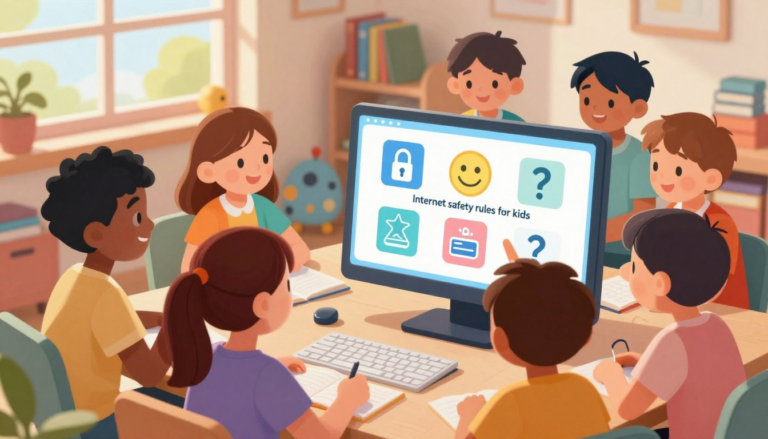
Internet Safety Rules for Kids: 10 Simple Rules Every Child Can Remember

Internet safety rules for kids

The internet can help children learn, create, research school topics, watch tutorials, and stay connected with teachers or classmates. But children also need clear rules before they browse, play online games, use chat, watch videos, or create accounts. This guide gives parents 10 simple internet safety rules to teach children at home. The goal is …

Read more