Typing is an important school skill, but parents often wonder what is realistic. Some children type quickly with two fingers, while others move slowly but use better finger placement. Speed matters eventually, but in the beginning, accuracy, posture, and steady practice matter more.
This guide gives parents realistic typing speed goals for children by age, with a focus on progress rather than pressure. It explains what words per minute means, what children should work on at different ages, how to set up a comfortable practice space, and how to build a simple routine at home.
If your child is new to proper typing, begin with our guide on home row keys for kids.
Typing speed goals should be used as a guide, not as a strict test. Children develop at different rates depending on hand size, keyboard experience, patience, and practice habits. If your child is learning proper finger placement, slower typing is normal at first. Praise accuracy and calm practice before speed.
What Words Per Minute Means
Typing speed is usually measured in WPM, which means words per minute. A typing test counts how many words a person can type in one minute, usually after subtracting mistakes or tracking accuracy separately.
For children, WPM is useful only when it is combined with accuracy. A child who types 25 words per minute with many errors may spend more time fixing mistakes than a child who types 15 words per minute carefully. That is why early practice should focus on correct finger movement and fewer mistakes, not rushing.
Why Accuracy Comes Before Speed
Many children learn to type by searching for each key and pressing it with one or two fingers. This can feel fast enough for short messages, but it becomes difficult when the child needs to write longer assignments. The goal of typing practice is to help the fingers learn where the keys are so the child can focus more on the words they are writing.
At first, proper typing may feel slower than hunt-and-peck typing. That is not failure. It is part of learning. When children use the correct fingers and return to the home row, they build a stronger foundation for speed later.
| Early Goal | Why It Matters |
|---|---|
| Correct finger placement | Helps children stop searching for every key. |
| Good posture | Reduces strain and makes practice more comfortable. |
| High accuracy | Builds confidence and prevents constant corrections. |
| Short practice sessions | Keeps children from getting frustrated or tired. |
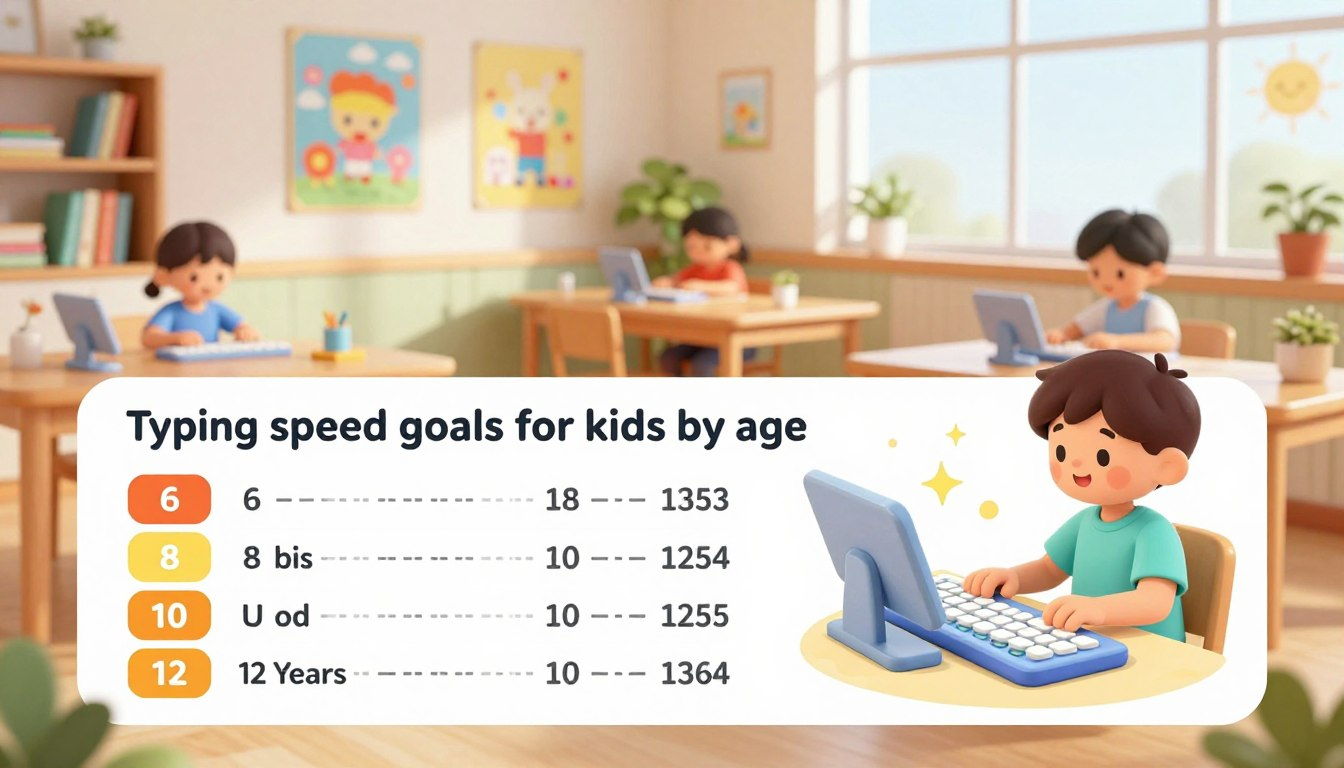
Typing Speed Goals for Kids by Age
The ranges below are general practice goals, not strict rules. A child who is new to typing may start below the range for their age, while a child who has practiced for months may be above it. Use the goals to track improvement over time, not to compare children against each other.
Ages 5 to 7: Keyboard Familiarity
At this age, the goal is not real speed. Many children are still developing the hand control needed for independent finger movement. Practice should be simple, short, and relaxed.
- Realistic goal: around 5 to 10 WPM for simple words or short practice tasks
- Main focus: finding letters, using two hands, and becoming comfortable with the keyboard
- Best practice style: short games, name typing, simple words, and no pressure
For younger children, it is fine if they look at the keyboard. The aim is familiarity. Formal touch typing can come later when their hands and attention span are more ready.
Ages 8 to 10: Home Row and Accuracy
This is a good age to introduce the home row keys: A S D F for the left hand and J K L ; for the right hand. Children can start learning which finger is responsible for which keys.
- Realistic goal: around 15 to 25 WPM with improving accuracy
- Main focus: home row placement, correct fingers, and fewer mistakes
- Best practice style: short typing lessons, simple sentences, and accuracy goals
If your child types slowly during this stage, do not rush them. A slow child using the correct fingers is often building better long-term habits than a faster child using random fingers.
Ages 11 to 14: Fluency for Schoolwork
By middle school, typing becomes more important for essays, research notes, online assignments, and class projects. Children at this age can usually handle longer practice and more structured typing goals.
- Realistic goal: around 30 to 45 WPM for students who practice regularly
- Main focus: typing full sentences, maintaining accuracy, and reducing the need to look down
- Best practice style: paragraph typing, timed practice, and real homework-related writing
Some children will type faster than this, and some will need more time. The useful question is not “Is my child fast enough?” but “Is my child improving while making fewer mistakes?”
What Affects a Child’s Typing Speed?
Typing speed is not only about effort. Several practical factors can make typing easier or harder for a child.
Hand Size and Keyboard Size
A large keyboard can be uncomfortable for younger children. If your child has to stretch too far to reach common keys, practice may feel frustrating. A laptop-style or low-profile keyboard may be easier for smaller hands.
Physical Keyboard vs. Touchscreen
Tablets and phones are useful for many tasks, but they do not teach touch typing in the same way as a physical keyboard. To build typing speed, children need practice on real keys where they can feel the home row and finger movement.
Posture and Comfort
Typing is harder when a child is reaching too far, sitting too low, or typing with bent wrists. A comfortable setup helps the child stay focused longer and reduces unnecessary strain.
- Feet should rest on the floor or on a footrest.
- Elbows should be close to the body and roughly level with the keyboard.
- Wrists should stay relaxed, not pressed hard into the desk.
- The screen should be easy to see without leaning forward.
- The keyboard should be stable and close enough to reach comfortably.
A Simple Practice Plan That Actually Helps
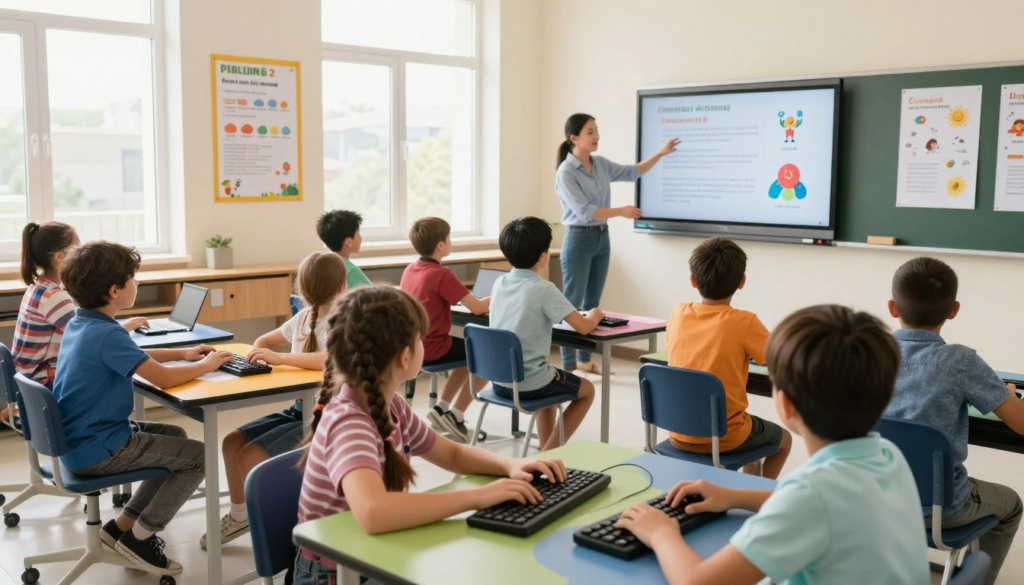
Children do not need long practice sessions to improve. Short, regular practice is usually better than one long session that ends in frustration.
Keep Practice Short
For most children, 5 to 15 minutes is enough. Younger children may only need a few minutes. Older children can usually handle a little more, especially if the practice includes real sentences instead of random letters.
Use Accuracy Goals First
Instead of asking your child to type faster, ask them to type one short line with fewer mistakes than last time. Accuracy goals feel more achievable and build better typing habits.
Practice With Real Writing
Typing games can help, but children also need practice with real school-like writing. Ask your child to type a short paragraph about a book, a science topic, a hobby, or something they learned that day. This connects typing practice to real communication.
Typing progress becomes more useful when children apply it to real schoolwork. Our guide on Google Docs for kids gives a practical writing task to practice.
Try This at Home: Weekly Typing Check
Once a week, do a calm typing check. Do not treat it like a test. The goal is to notice progress.
- Open a blank document or typing practice page.
- Choose a short paragraph your child can understand.
- Ask your child to type for one minute at a comfortable pace.
- Count the words or use the typing tool’s WPM result.
- Look at mistakes together without criticism.
- Write down the WPM and accuracy if available.
- Repeat next week and compare only with your child’s previous result.
This turns progress into something visible. A child may not notice improvement day to day, but after a few weeks, the change becomes easier to see.
Common Mistakes to Avoid
- Focusing only on speed. Fast typing with many errors is not useful for schoolwork. Accuracy should come first.
- Practicing for too long. Long sessions can cause frustration and sloppy habits. Short, consistent practice works better.
- Ignoring posture. A poor setup can make typing uncomfortable and distract from learning.
- Letting hunt-and-peck become permanent. Occasional looking is normal, but children should gradually learn finger placement and home row habits.
- Comparing siblings or classmates. Children improve at different speeds. Compare your child’s progress with their own previous attempts.
- Using only touchscreen typing. Touchscreens do not replace practice on a physical keyboard for touch typing.
Parent Checklist
- Is your child using a physical keyboard for typing practice?
- Is the chair, desk, and keyboard setup comfortable?
- Can your child find the home row keys?
- Are they practicing accuracy before speed?
- Are practice sessions short enough to avoid frustration?
- Are you tracking progress over time instead of expecting instant results?
- Can your child type short school-like sentences, not only random letters?
- Are you avoiding comparisons with siblings or classmates?
Frequently Asked Questions
What are realistic typing speed goals for kids by age?
As a general guide, younger children may start around 5 to 10 WPM, children ages 8 to 10 may work toward 15 to 25 WPM, and older children who practice regularly may reach around 30 to 45 WPM. These are flexible goals, not strict requirements.
Should children focus on speed or accuracy first?
Accuracy should come first. A child who types slowly but correctly is building better long-term habits than a child who types quickly with many errors. Speed improves naturally with repetition.
How can I help my child stop looking at the keyboard?
Start by teaching the home row keys and encouraging short periods of looking at the screen instead of the hands. Do not force this too early. If your child becomes frustrated, slow down and return to simple accuracy practice.
Are typing games helpful?
Typing games can be helpful if they encourage correct finger placement and accuracy. They should not become only a race for speed. Use games as a supplement, not the whole typing plan.
Are tablets good for learning to type?
Tablets are useful for many learning activities, but a physical keyboard is better for learning touch typing. Children need to feel key positions, including the home row bumps, to build reliable finger memory.
Typing progress is usually gradual. A child may improve a little each week, then suddenly feel more comfortable after several weeks of short practice. Keep the routine calm, focus on accuracy, and use speed goals only as a way to notice progress over time.
Last reviewed: May 2026. Typing goals can vary by child, keyboard type, school expectations, and practice routine. Use these ranges as flexible guidance rather than fixed requirements.