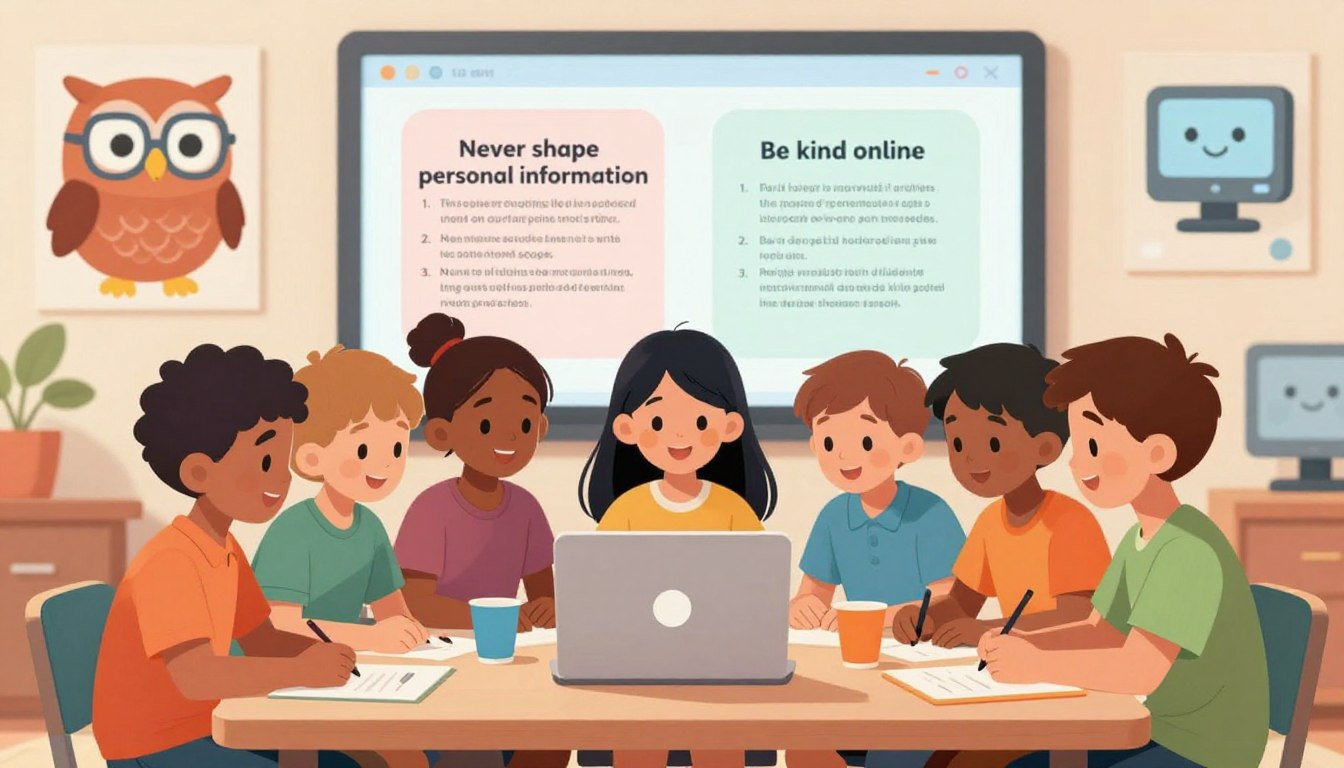
The internet is like a giant, magical digital playground. You can use it to play amazing games, learn how to build cool Lego spaceships, and video chat with your grandma! But just like a real playground, there are certain boundaries you have to respect to avoid getting hurt.
Parents cannot watch the computer screen every single second of the day. That is why learning online safety rules for kids: 12 simple rules they can remember is the ultimate “protective shield” for your family.
In this fun and easy guide, we are going to teach kids (and parents!) how to be Digital Superheroes. We will learn how to create a secret ninja identity, how to spot digital traps, and what to do if something feels weird online. Let’s get started!
🛡️ Setting the Stage for Digital Safety

Before we jump into the rules, parents and kids need to make a team agreement. The internet is not something to be afraid of—it is a tool we need to respect.
By teaching basic internet safety tips for children, parents give kids the confidence to explore safely. When kids know the rules, they do not have to panic when a weird pop-up appears; they just know exactly how to handle it!
| Parenting Style | What It Looks Like | The Result for Kids |
|---|---|---|
| The “No Screen” Parent | Blocking the internet completely. | Kids never learn how to be safe online. |
| The “Wild West” Parent | Zero rules and no supervision. | Kids easily stumble into dangerous traps. |
| The “Digital Guide” (Best!) | Teaching the 12 rules together. | Confident kids who make smart, safe choices! |
🦸♂️ The 12 Essential Online Safety Rules for Kids

Are you ready to earn your Digital Superhero cape? Memorize these 12 simple rules, and you will be ready to surf the web safely!
Rule 1: Use a “Ninja Name”
Never use your full, real name on games like Roblox or Minecraft. Instead, invent a cool “Ninja Name” (like StarGazer99 or BlueDragon). This keeps your real identity totally secret!
Rule 2: Keep Your Location Locked
Never tell anyone online where you live, what city you are in, or what park you are playing at. The internet is a big place, and your home address is private family information.
Rule 3: Passwords are Like Toothbrushes
Would you share your toothbrush with a friend? Gross, no! You should never share your passwords with a friend, either. The only people who should know your passwords are your parents.
Rule 4: The “Permanent Marker” Rule
Everything you type, send, or post online is written in permanent marker. Even if you click “delete,” someone could have taken a screenshot. Always be nice and think before you post!
📸 Photos, Strangers, and Tricky Links

Rule 5: No School Uniform Photos
When you post a photo wearing your school uniform or standing in front of your school sign, strangers instantly know exactly where to find you. Only post photos that don’t give away your location.
Rule 6: An Online Friend is Still a Stranger
Even if you have been playing an online game with someone for a month, they are still a stranger. People online can pretend to be kids when they are actually adults. Never agree to meet an online friend in real life.
Rule 7: Beware the “Free Prizes” Trap
If a pop-up flashes and says, “YOU WON A FREE iPAD! CLICK HERE!”… it is a trap! This is called phishing. Scammers use fake prizes to make you click bad links that give your computer a virus.
Rule 8: Ask Before You Download
Before you download a new game, an app, or a file for a school project, always ask an adult to look at it first. Sometimes, bad computer viruses disguise themselves as fun games.
🗣️ Kindness and Speaking Up

Rule 9: Be a Digital Defender
Cyberbullying is when people use the internet to be mean. If you see someone being bullied in a game chat, don’t join in. Be a Digital Defender: leave the game, block the mean player, and report them!
Rule 10: The “Tell an Adult” Rule
If you see a picture that scares you, if someone asks you for a secret, or if someone says something mean to you online, go tell a parent immediately. You will never get in trouble for asking a parent for help!
Rule 11: Respect the “Unplug” Time
The internet is fun, but real life is better! When your parents say screen time is over, log off. Resting your eyes and playing outside keeps your brain healthy and happy.
Rule 12: No Secret Accounts
Never create a secret Instagram, TikTok, or gaming account that your parents don’t know about. Sneaking around online is dangerous. Good digital superheroes are always honest with their family!
👨👩👧 For the Parents: Using Tech to Help
Parents, you don’t have to enforce these rules all by yourself. You can use parental control software as your invisible sidekick.
Tools like Qustodio, Google Family Link, and Norton Family run in the background of your child’s device. They automatically block dangerous websites, filter out mature content, and even shut down the tablet when screen time is over. Think of it as putting training wheels on the internet!
“The goal isn’t to spy on our kids forever. The goal is to build open communication so that when they see something scary online, they run to us instead of hiding it.”
🎉 Conclusion
The digital world doesn’t have to be a scary place! By practicing these online safety rules for kids: 12 simple rules they can remember, your child will know exactly how to protect their privacy, spot a bad link, and handle digital strangers.
Tonight at dinner, ask your kids to name their top three rules. Have them invent their “Ninja Name” and make sure they know they can always come to you if something on their screen feels weird. Working together as a family is the absolute best way to stay safe online!
❓ Frequently Asked Questions (FAQ)
Why is it important to establish internet safety tips for children early on?
Because bad habits are hard to break! Teaching kids to use strong passwords and protect their real names when they are 7 years old prevents major privacy disasters when they become teenagers.
How can I help my child identify red flags in online chats?
Teach them the “Secret Rule.” If anyone online ever says, “Don’t tell your parents,” that is an instant red flag. Kids should immediately close the game and tell an adult.
What web security measures for children can prevent phishing?
Using parental control software with web-filtering (like Google Family Link) is step one. Step two is teaching Rule #7: Never click on flashing ads that promise “Free Robux” or “Free iPads.”
How should my child react to cyberbullying?
Teach them not to argue back. The best reaction to a cyberbully is to take a screenshot of the mean comment, block the user, log off, and show the screenshot to a parent or teacher.
Which parental control software is best for managing digital habits?
Google Family Link is excellent (and free) for Android and Chromebooks. For Apple devices or mixed-device homes, Qustodio and Bark are highly rated for setting screen time limits and blocking adult sites.