
Hey there, future typing ninjas! 🥷 (And hello to the parents reading over their shoulders!)
Did you know that just 10 minutes a day can turn you into a keyboard wizard? If you’ve ever felt frustrated hunting for the right letters with one finger, you’re not alone. Mastering the keyboard is basically unlocking a digital superpower.
Forget about sitting at a desk for hours. The best typing practice for kids is short, sweet, and actually fun. In the time it takes to watch a couple of YouTube shorts, you can build muscle memory that will help you finish homework faster, chat with friends, and conquer coding games.
Let’s dive into the ultimate 10-minute daily routine that will make your fingers fly across the keys!
🦸♂️ Why Typing is Your Secret Superpower
You might be wondering, “Why do I need to learn this?” Here is the cheat code to why keyboarding matters:
- Homework in Half the Time: When you don’t have to look down at the keys, writing essays and school projects goes way faster. More time for actual gaming! 🎮
- Digital Ninja Skills: Being able to type quickly and accurately is a huge part of digital literacy. Whether you want to be a YouTuber, a game designer, or a writer, typing is step one.
- No More “Text-Neck”: Learning to type without looking means you can keep your eyes on the screen, which is way better for your neck and back.
🧠 The “Brain Hack”: Why 10 Minutes?
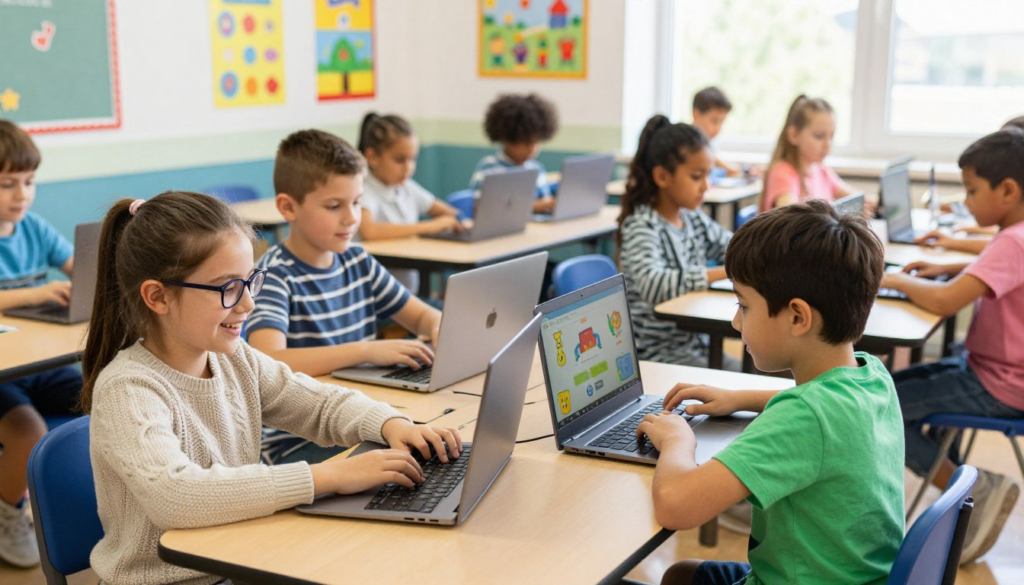
You don’t need to practice for an hour. Science tells us that our brains learn best in short, focused bursts. 💡 The Ninja Secret: It’s all about consistency. Practicing for 10 minutes every single day builds “muscle memory” way faster than practicing for an hour once a week.
Kids’ Attention Span Cheat Sheet:
| Age Group | Best Practice Time |
|---|---|
| 👶 6-8 years | 5-7 minutes |
| 🧒 9-12 years | 10 minutes |
| 🧑 13+ years | 10-15 minutes |
🛠️ Setting Up Your “Gamer” Station
Before we start the timer, we need to make sure your setup is perfect. An ergonomic workspace isn’t just for adults—it keeps you comfortable so you can type at lightning speed.
- The Throne (Your Chair): Sit up straight! Keep your back supported and your feet flat on the floor.
- T-Rex Arms: Bend your elbows at a 90-degree angle, kind of like a T-Rex 🦖. Keep your wrists straight, not resting heavily on the desk.
- The Home Row: Place your left fingers lightly on A-S-D-F and right fingers on J-K-L-;. These are your “home base” keys!
⏱️ The Epic 10-Minute Daily Typing Routine
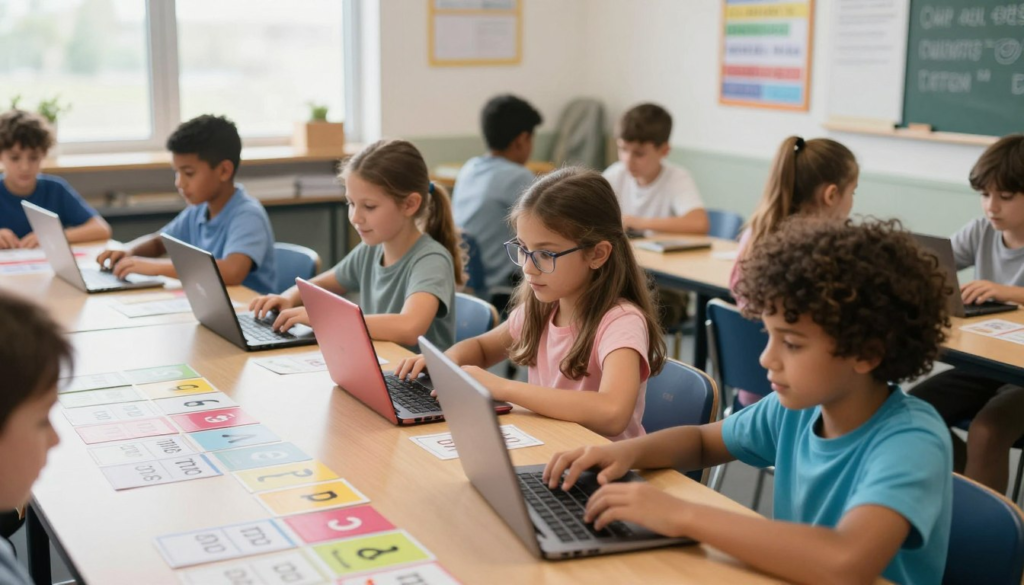
Ready, set, type! Here is exactly how to spend your 10 minutes every day:
🥊 Minute 1-2: Finger Gymnastics (Warm-Up)
Just like athletes stretch before a game, you need to warm up your hands! Wiggle your fingers, make tight fists, and then stretch them out wide. This gets the blood flowing and prevents your hands from getting tired.
🏠 Minute 3-5: Home Row Drills
Time to hit the basics. Open up a typing program and practice the “Home Row” keys. Don’t look at your hands! The goal here isn’t speed; it’s accuracy. Try to get 100% correct, even if it feels slow at first.
👾 Minute 6-8: Boss Battle (Mini-Games!)
This is the fun part! Switch over to interactive typing exercises for kids. Play a game where you have to type words to defeat zombies, race cars, or pop balloons. This builds your speed without you even realizing you’re practicing.
📈 Minute 9-10: Power Check (Speed Test)
Finish strong with a quick 1-minute speed test. Write down your WPM (Words Per Minute) in a notebook. Watching your high score go up every week is the best feeling!
🎮 The Coolest Keyboarding Games for Children
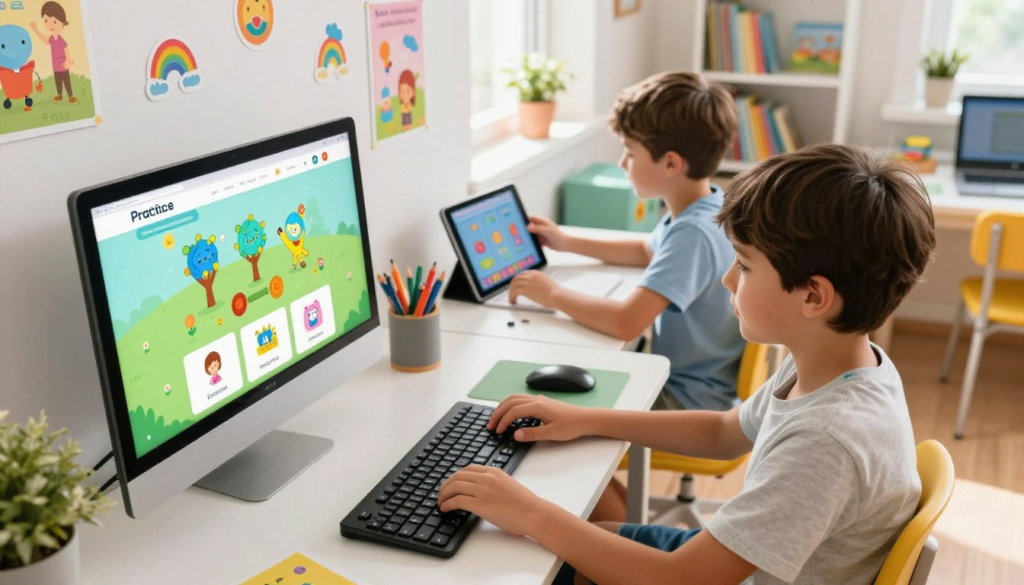
Learning shouldn’t be boring. Here are some of the best free typing practice websites and games to check out:
| 🌟 Game / Platform | 🎯 Best For… | 👾 What Makes It Awesome |
|---|---|---|
| Dance Mat Typing | Ages 7-11 | Hilarious animal guides teach you the basics step-by-step! |
| Nitrotype | Competitive Kids | Race real cars against other players by typing fast and accurately. |
| TypingTales | Story Lovers | You become the main character in personalized stories while you type! |
| Keyboard Ninja | Action Fans | Slice fruit like a ninja by hitting the right keys on the keyboard. |
| Jungle Junior | Beginners | Teaches the alphabet and finger placement with fun videos and stretches. |
📊 Leveling Up: What’s a Good Score?
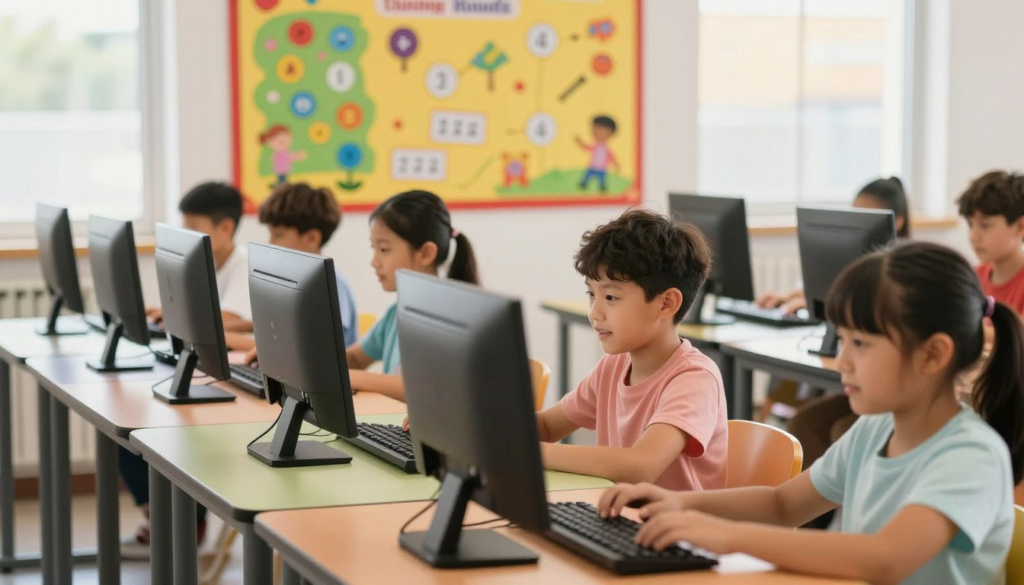
Wondering if your WPM is good? Here is a general guide, but remember: Accuracy always comes before speed! Don’t rush if it means making a ton of mistakes.
| Age Group | Target WPM (Words Per Minute) | Awesome Accuracy Goal |
|---|---|---|
| 6-8 years | 5-10 WPM | 80-90% |
| 9-11 years | 10-20 WPM | 90-95% |
| 12+ years | 20-30+ WPM | 95%+ |
🔧 Glitch Fixer: Keep making the same mistake? Slow down! If you keep hitting ‘R’ instead of ‘T’, spend two minutes just practicing that stretch.
🎉 You’ve Got This!
Learning to touch type is just like learning to ride a bike. At first, you might wobble and look down at the pedals (or keys!), but soon, you’ll be zooming along without even thinking about it. Stick to your 10-minute daily routine, celebrate your high scores, and remember to have fun with it!
🤔 FAQ: Parents & Kids Ask…
What are the best keyboarding games for children to start with?
Dance Mat Typing by BBC Bitesize is amazing for absolute beginners because it uses fun characters to teach finger placement. If you love racing, Nitrotype is the ultimate goal!
How can I make typing practice fun instead of boring?
Mix it up! Use games like Keyboard Ninja or TypingTales instead of regular drills. You can also practice by typing out a grocery list, the lyrics to your favorite song, or a message to a friend.
Are online typing lessons safe?
Yes! Trusted sites like Typing.com, BBC Bitesize, and TypingClub are safe, ad-friendly (or ad-free), and designed specifically for students.
Why use interactive typing exercises instead of a textbook?
Interactive games give you instant feedback. If you make a mistake, the game tells you right away so you don’t build bad habits. Plus, popping digital balloons is way cooler than reading a textbook!
How long does it take to see results?
If you stick to the 10-minute routine, you’ll notice your fingers feeling more confident in just two weeks. After a month, your WPM will definitely start to climb!