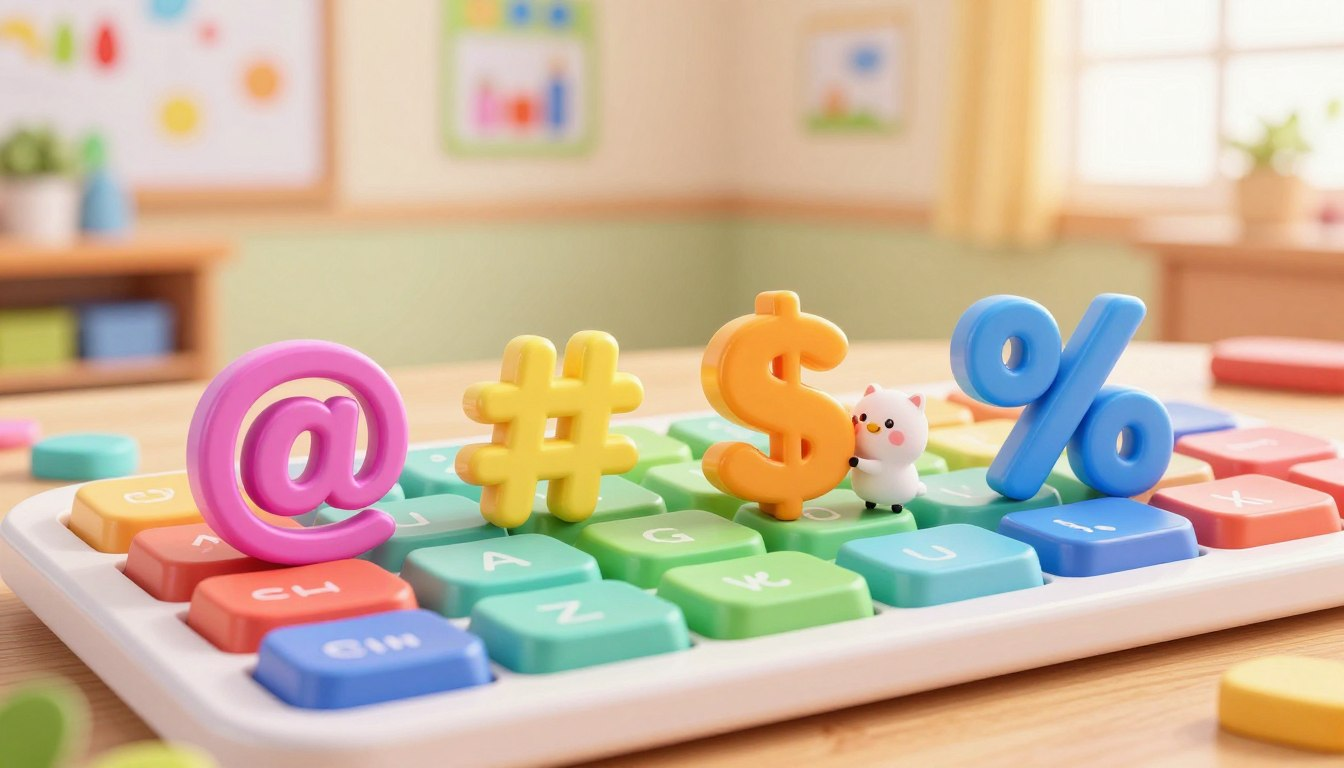
A computer keyboard has more than just letters and numbers. It also includes symbols such as @, #, $, and %, and each one has a different use. Children often see these signs while typing on a computer, using the internet, or working on school assignments, but they may not always know where to find them or what they mean.
In this article, kids will learn where common keyboard symbols are located and how to type them correctly. It will also explain the basic purpose of each symbol in a simple way that is easy to follow. Understanding these keys can help children feel more comfortable when using a computer for writing, searching online, and learning new digital skills.
By practicing these symbols step by step, children can build confidence with the keyboard and improve their everyday computer use. This is a useful skill for schoolwork, basic typing, and many online activities.
⌨️ The Magic of the “Shift” Key

If you look at the top row of your keyboard, you will see that the number keys have two things printed on them. There is a number on the bottom, and a special symbol on the top.
If you just tap the key, you will get the number. But if you want the symbol on the top, you need to use the Shift key. Think of the Shift key like a magic elevator that takes your finger to the “top floor” of the key!
How to do it: Use your pinky finger to press and hold down the “Shift” key. While you are holding it down, tap the number key you want. Boom! A symbol appears!
| Key Type | What It Does | Examples |
|---|---|---|
| Alphabet Keys | Writing words and names | A, B, C |
| Number Keys | Counting and math | 1, 2, 3 |
| Symbol Keys (with Shift!) | Special computer commands | @, #, $ |
📧 The “At” Symbol (@)

The @ Symbol
The @ symbol is a common keyboard sign that children often see when using a computer. It is usually read as “at.”
Where to find it:
Press Shift + 2
To type this symbol, hold down the Shift key and press the number 2 on the keyboard.
What it means:
The @ symbol is mainly used in two ways:
Email addresses:
It is an important part of every email address. It separates the name of the person or account from the email service name, such as in name@gmail.com.
Tags and usernames:
The @ symbol is also used on many apps, games, and websites before a username. This is often done when mentioning someone in a message or comment.
#️⃣ The Hashtag or Pound Sign (#)

Does this look like a tiny tic-tac-toe board? Adults sometimes call this the “pound sign,” but today, most kids and internet users know it as the Hashtag.
Where to find it: Shift + 3
Hold down Shift and press the number 3.
What it means:
A hashtag acts like a giant digital sorting bin. If you post a picture of your pet and type #CuteDogs, the internet groups your picture with everyone else’s dog pictures! Computer programmers also use this symbol in coding to leave hidden notes for themselves that the computer ignores.
💰 The Dollar Sign ($)
This symbol looks like a capital letter “S” with a line drawn straight through the middle. It is the sign for money!
Where to find it: Shift + 4
Hold down Shift and press the number 4.
What it means:
When you see the $ symbol, you know numbers are talking about money, prices, or allowances. If you are doing math homework about buying toys, or checking how much a new video game costs online, you will always see the dollar sign right before the numbers (like $10).
💯 The Percent Sign (%)
This symbol looks like a tiny slanted stick with two little bubbles floating around it. It is called the Percent sign.
Where to find it: Shift + 5
Hold down Shift and press the number 5.
What it means:
A “percent” shows a piece of a whole. You actually see this symbol every single day without realizing it! When your tablet battery says “10%”, it means your battery is almost empty. When a video game loading screen says “100%”, it means the game is completely loaded and ready to play!
| Symbol | How to Type It | What It Does |
|---|---|---|
| @ | Shift + 2 | Tags a friend or makes an email address. |
| # | Shift + 3 | Creates a hashtag for social media. |
| $ | Shift + 4 | Represents money and prices. |
| % | Shift + 5 | Shows battery life or loading screens. |
➕ Hidden Math Keys
Did you know your computer is actually a giant calculator? To do digital math, you need to know where the math symbols live:
- Plus Sign (+): Found next to the Backspace key. You have to press Shift to use it!
- Minus Sign (-): Found right next to the zero (0) key. (No Shift needed).
- Multiplication (*): Computers don’t use “x” for times! They use the Asterisk (*), found by pressing Shift + 8.
- Division (/): Computers use the Forward Slash (/) to divide. It is located near the right Shift key.
📦 Digital Backpacks (Brackets & Parentheses)
When you are doing long math problems or writing computer code, you have to keep your numbers organized so the computer doesn’t get confused. You use brackets and parentheses like little digital backpacks to hold the numbers together!
| Symbol Name | What They Look Like | Where to Find Them |
|---|---|---|
| Parentheses | ( ) | Shift + 9 and Shift + 0 |
| Square Brackets | [ ] | Next to the letter P |
| Curly Brackets | { } | Shift + [ and Shift + ] |
🎨 Making Emoji Art with Symbols!
Before we had colorful emojis on our phones, people used to make happy faces out of keyboard symbols! These are called “Emoticons” (Emotion + Icons). You can use the symbols you just learned to draw fun faces in your chats!
- Classic Smiley: Type a colon (Shift + 😉 and a closing parenthesis (Shift + 0) to make 🙂
- Big Grin: Use a colon and a capital D to make 😀
- Surprised Face: Use a colon and a capital O to make :O
- Happy Cat: Use two carets (Shift + 6) and an underscore (Shift + Dash) to make ^_^
🎉 Conclusion
Learning keyboard symbols is an important part of using a computer with confidence. After understanding where to find symbols such as @, #, $, and %, children can type more accurately and understand their meaning in everyday computer use.
These symbols appear in many places, including email addresses, schoolwork, websites, games, and basic math activities. With regular practice, children can become more comfortable using the keyboard and improve their typing skills over time.
A simple way to remember these symbols is to use them often while typing. The more children practice, the easier it becomes to recognize each symbol, type it correctly, and understand when to use it.
❓ Frequently Asked Questions (FAQ)
Why do I get a number instead of a symbol when I press a key?
Many keyboard keys have two characters on them. If you press the key by itself, you will usually get the number or lower character. To type the symbol above it, press and hold the Shift key while pressing that key.
What symbol do computers use for multiplying numbers?
Computers often use the asterisk (*) symbol to show multiplication. You can usually type it by pressing Shift + 8 on the keyboard.
What is the hashtag symbol (#) used for?
The # symbol is often used to group topics on websites, apps, and video platforms. It helps people find posts, videos, or content about the same subject more easily.
How do I make a smiley face using my keyboard?
A simple smiley face can be made by typing a colon and a closing parenthesis, like this: 🙂. This is a basic text symbol people use in messages.
What are curly brackets { } used for?
Curly brackets are mostly used in computer programming. They help group parts of code together so the computer can read instructions in the right way.