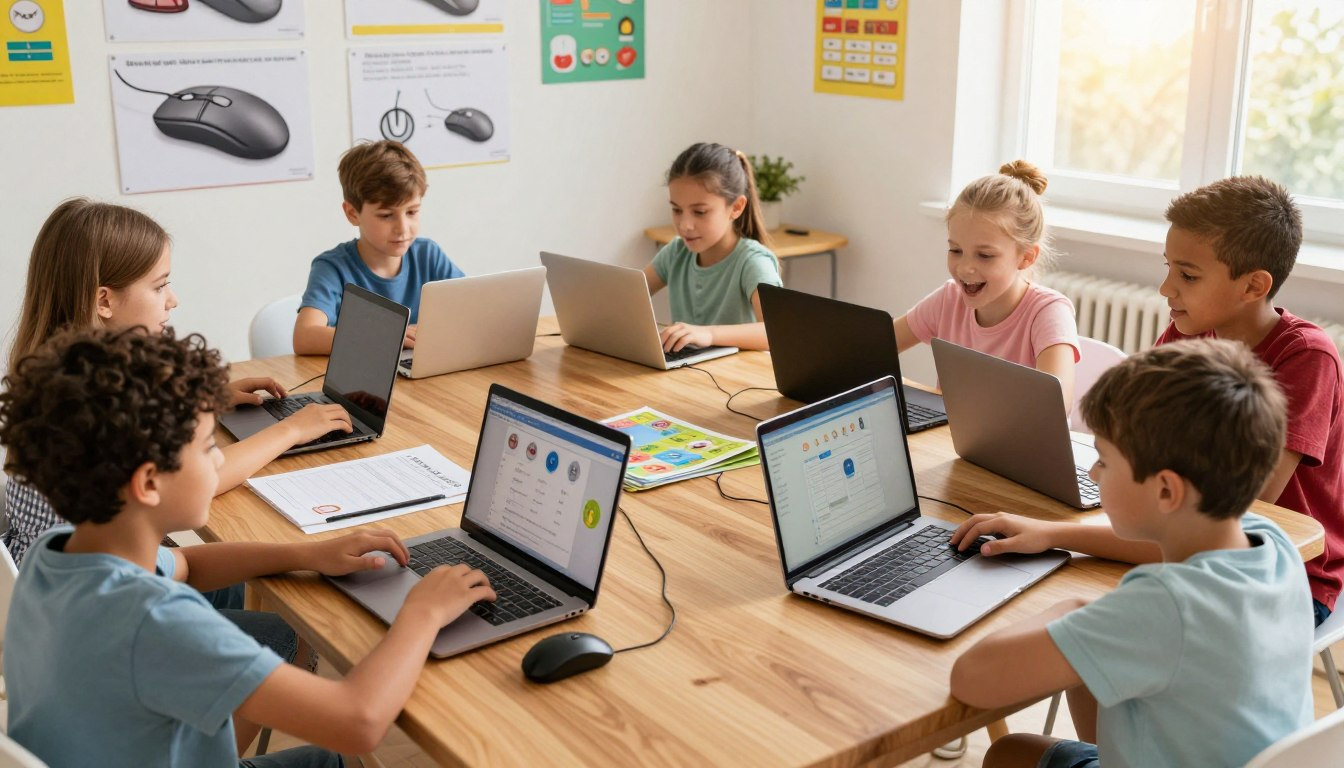
Have you ever watched a toddler confidently swipe a television screen, only to look confused when a standard laptop monitor doesn’t respond? Welcome to the club! In a world filled with touchscreens, teaching mouse skills for kids is often an overlooked step in a child’s digital journey.
Think of a computer mouse as your child’s very first “digital magic wand.” Learning to handle this handheld pointer isn’t just about playing games; it’s the foundational first step toward digital confidence, school readiness, and essential fine motor development.
The good news? You don’t need boring drills to teach them. Engaging in educational computer activities can turn a potentially frustrating lesson into an afternoon of giggles and growth. Let’s dive into how you can help your little learner master clicking, dragging, and scrolling right at home!
🌟 Quick Takeaways for Parents:
- Start Early: Mouse skills build crucial hand-eye coordination that transfers to handwriting.
- Play to Learn: Fun, low-pressure games are the secret to building muscle memory.
- Right Equipment: A kid-sized mouse prevents frustration and tiny hand cramps.
🧠 Why Developing Mouse Skills Early Benefits Your Child
It’s easy to assume kids will just “pick up” technology naturally. But moving a physical object on a desk to control a cursor on a screen is a complex cognitive leap!
Building Digital Literacy from the Ground Up
Starting early with mouse practice is the cornerstone of digital literacy for kids. When a child isn’t struggling to figure out how to click an answer, their brain is free to actually focus on the educational content of the lesson. It removes the technological barrier to learning.
Improving Fine Motor Control
Using a mouse requires micro-movements. Your child has to look at the screen while their hand moves independently on the desk. This incredible workout for hand-eye coordination directly translates to better pencil grip and scissor skills in the physical world!
Gaining Tech Confidence
There is nothing quite like the pride on a child’s face when they successfully navigate a digital maze all by themselves. That early confidence sets the stage for a lifetime of healthy, proactive tech usage.
🖱️ The “Big Three”: Core Mouse Skills for Kids
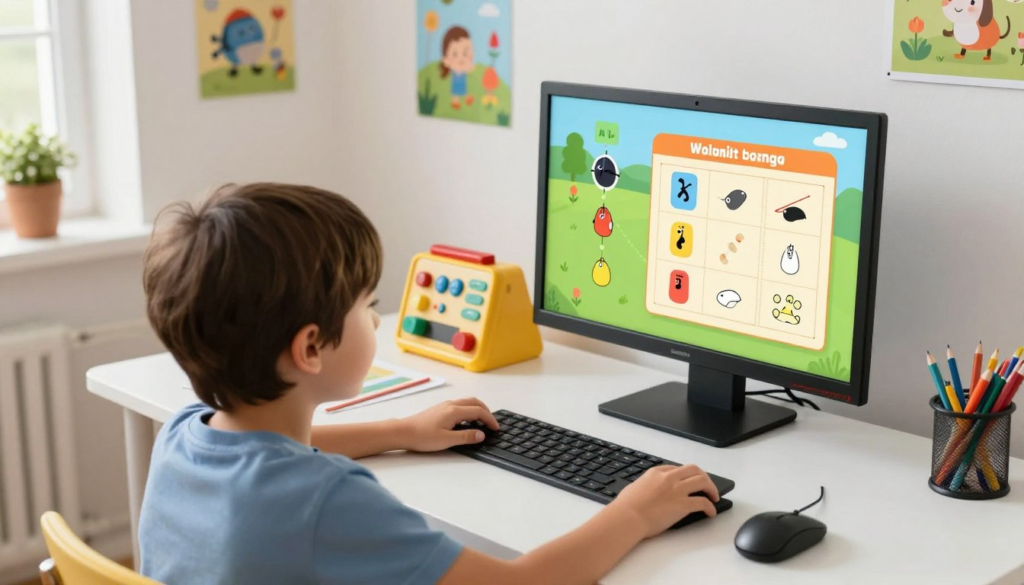
To keep things simple, we break mouse mastery down into three main superhero abilities. Explain these to your kids using these fun analogies!
| The Skill | The Kid-Friendly Analogy | Why It Matters |
|---|---|---|
| Clicking (Single & Double) | “Tapping a digital friend on the shoulder to say hello!” | The basic way to select answers, open apps, and interact. |
| Dragging | “Picking up a toy and carrying it across the room.” | Crucial for digital puzzles, drawing, and organizing files. |
| Scrolling | “Riding a digital elevator up and down a building.” | Allows them to read long web pages and navigate menus. |
🎯 Top Clicking Games That Make Practice Fun
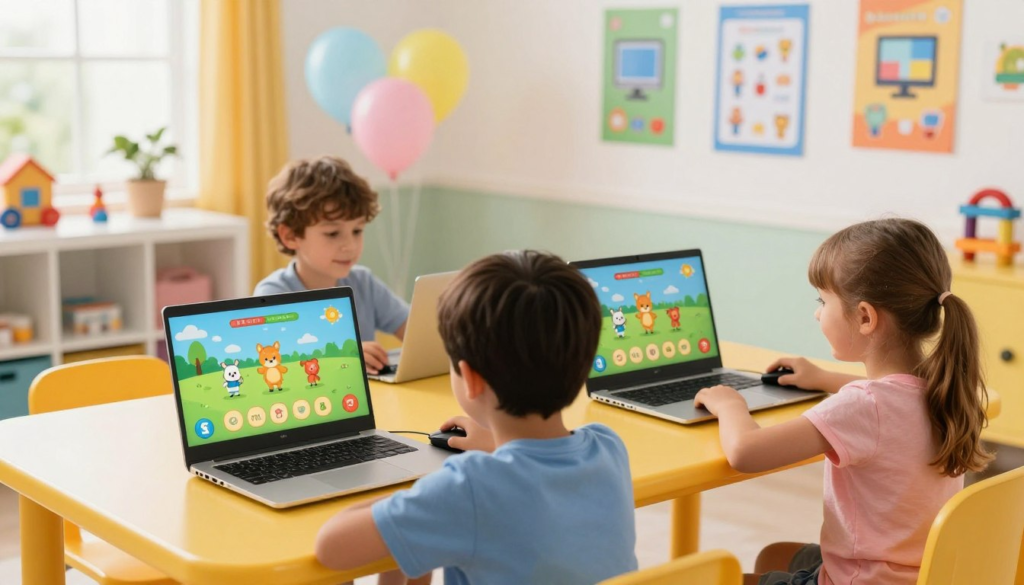
Let’s turn practice into playtime! Here are some of the best, safest online destinations for your child to practice pointing and clicking.
PBS Kids: Clickable Adventures
PBS Kids is a goldmine for safe, ad-free clickable adventures. Games featuring beloved characters like Curious George or Daniel Tiger require kids to click on specific objects to move the story forward. The large, forgiving click-boxes are perfect for tiny, wobbly hands.
Toy Theater: Balloon Pop & Fruit Shoot
If your child needs to work on clicking accuracy, Toy Theater is fantastic. Their “Balloon Pop” game is exactly what it sounds like—clicking moving balloons before they float away. It teaches kids to anticipate cursor movement and time their clicks perfectly.
Starfall Interactive Games
Starfall combines basic phonics with single-click practice. Kids click on letters to hear their sounds, teaching them cause-and-effect while sneaking in some early reading skills!
🧩 Engaging Dragging Games to Build Hand Control
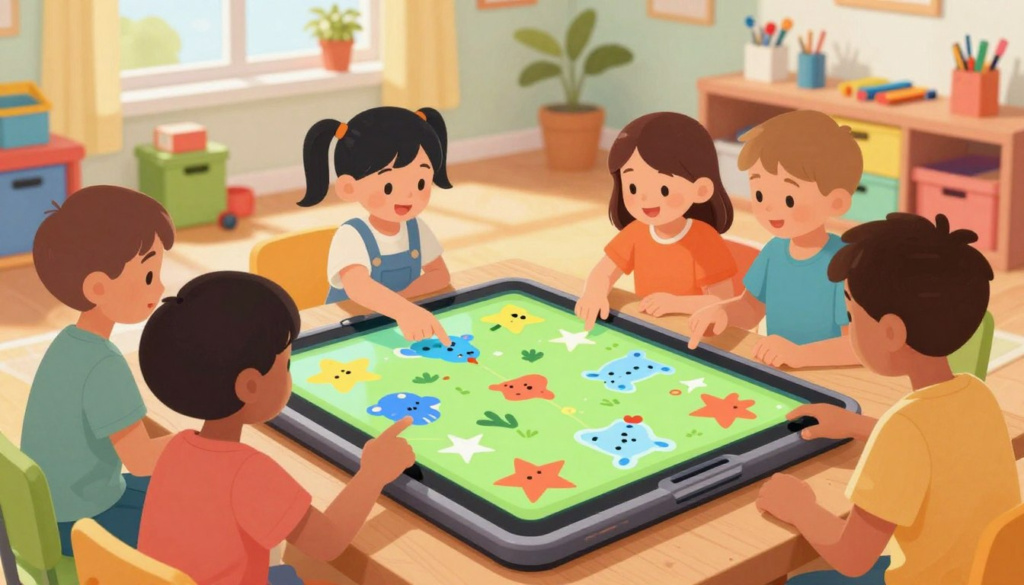
Dragging is usually the hardest skill for kids to learn because it requires holding a button down while moving the hand. It takes serious finger stamina!
Digital Puzzles on National Geographic Kids
National Geographic Kids offers beautiful animal puzzles. Kids have to click, hold, and drag puzzle pieces to their correct spots. It’s an incredible test of patience and precision.
ABCya Paint and Draw Games
Nothing encourages dragging quite like digital art! ABCya’s drawing tools let kids click and drag to paint lines, stamp stickers, and build digital sandcastles. Because there are no “wrong” answers in art, it removes the frustration of making mistakes.
📜 Scrolling Activities That Keep Kids Engaged
Once clicking and dragging are mastered, it’s time to learn the scroll wheel (or trackpad swipe).
Storyline Online
This wonderful site features famous actors reading children’s books. You can encourage your child to scroll down the page to pick their favorite book cover from the library gallery.
NASA Kids’ Club
Blast off into scrolling practice! NASA’s kid-friendly pages are packed with large, high-quality images of rovers and planets. Asking your child to “scroll down to find the spaceship” is a fun, mission-based way to practice.
🏡 Creating the Perfect Setup at Home
You wouldn’t give a kindergartener an adult-sized bicycle to learn on, right? The same goes for computer gear!
- Buy a “Mini” Mouse: Standard mice are too wide for little hands, forcing them to use two hands just to click. Invest in a cheap, kid-sized wireless mouse.
- Check Posture: Ensure they are sitting at a desk where their elbow rests at a 90-degree angle. Dangling arms make moving the mouse jerky and exhausting.
- Keep Sessions Short: 10 to 15 minutes of practice is plenty. Praise their efforts, celebrate when they beat a level, and then head outside to play!
🎉 Wrapping It Up
Teaching young students to navigate a computer is about giving them the keys to a vast library of knowledge. By using fun games to teach clicking, dragging, and scrolling, you are taking the frustration out of technology and replacing it with curiosity.
Parents, we want to hear from you! What was your child’s favorite game to play while learning to use the computer? Drop a comment below and let’s share some great resources! 👇
❓ Frequently Asked Questions (FAQ)
What are the best online activities for children to begin learning mouse skills?
Start with simple cause-and-effect games on Starfall and PBS Kids. These sites have large icons, bright colors, and forgiving click-boxes that prevent early frustration.
How do educational computer games help with motor skill development?
Moving a mouse requires a child to coordinate their hand movement on a horizontal desk with a cursor moving on a vertical screen. This builds incredible brain-to-hand connections and strengthens the tiny muscles used for writing.
Why is dragging and dropping so hard for beginners?
Dragging requires “separated finger mechanics”—meaning the index finger must hold down a button using pressure, while the wrist and arm move the mouse simultaneously. It takes practice and muscle stamina!
Are there specific safe computer activities I can set up offline?
Yes! Built-in computer programs like MS Paint or Mac’s basic drawing tools are completely internet-free. Just open a blank canvas and let them practice drawing shapes and stamping colors.